Why I Switched from Chrome, Firefox, and Samsung Internet to an Underrated Android Browser
After years of jumping between popular Android browsers, I finally found one that checks all the boxes. It's not flashy or heavily marketed, but it fixes every frustration I had with Chrome, Firefox, and Samsung Internet. Here's a deep dive into what made me switch and why this underdog might be your next go-to browser.
What made you abandon Chrome on Android?
Chrome integrates seamlessly with Android, and its sync with desktop Chrome is excellent. However, it lacks essential features for power users. There's no support for extensions on mobile, so you can't install ad blockers, password managers, or other tools directly. Privacy controls are minimal—no built-in tracker blocking or cookie management. The interface feels barebones: no tab groups, no custom gestures, and no way to change the download location. While Chrome is fast and stable, it doesn't adapt to how I use the web. I always felt like I was missing out on a richer browsing experience.
Why did Firefox fail as your default?
Firefox offers extensions, strong privacy protections, and extensive customization—things Chrome lacks. But it stumbles on basic conveniences. For instance, it has no native tab groups feature, which I rely on to organize dozens of open tabs. Its bookmark manager is clunky and hard to navigate. Sync between mobile and desktop Firefox works, but the mobile interface can be sluggish and less polished than competitors. I also missed features like a built-in screenshot tool or quick access to reading mode. Firefox felt like a browser for enthusiasts who are willing to trade smooth daily use for control.
What was wrong with Samsung Internet?
Samsung Internet came closest to being my daily driver. It has tab groups, a decent ad blocker, and a clean interface. But the desktop version (Samsung Internet for Windows) is still immature—missing key features, slower updates, and rarely syncing smoothly with the mobile app. I often found my bookmarks or open tabs out of sync, which defeated the purpose of a cross-device browser. Additionally, Samsung Internet lacks a robust extension ecosystem and has limited third-party tool support. While it's great for Samsung phone users, its incomplete desktop experience pushed me to look elsewhere.
What is this underrated browser and what sets it apart?
The browser I switched to is Vivaldi—a powerful, privacy-focused option that balances customization and usability. It combines the best of Chrome's engine (fast rendering, wide site compatibility) with features that other mobile browsers ignore. Vivaldi supports extensions (via Chrome Web Store), ad blocking, tab groups, a built-in bookmark manager, and note-taking tools. It also includes a panel for quick access to bookmarks, downloads, and history. The interface is fully customizable with themes, icon packs, and interface density adjustments. What truly sets it apart is its sync system that works across mobile and desktop flawlessly—no account required; just a link code.
How does it handle tab management and bookmarks?
Tab management in Vivaldi is a dream. You can group tabs, reorder them, and even use two-level tab stacking to organize related pages. The tab switcher shows a grid of thumbnails, and you can search through open tabs. For bookmarks, Vivaldi offers a full-featured manager with folders, sorting, and import/export options. A dedicated bookmark panel slides out from the side, letting you access favorites without leaving the page. You can also create notes attached to specific tabs, which sync to your desktop. These features alone solved my biggest frustrations with Firefox and Chrome.
Does it have extension support and ad blocking?
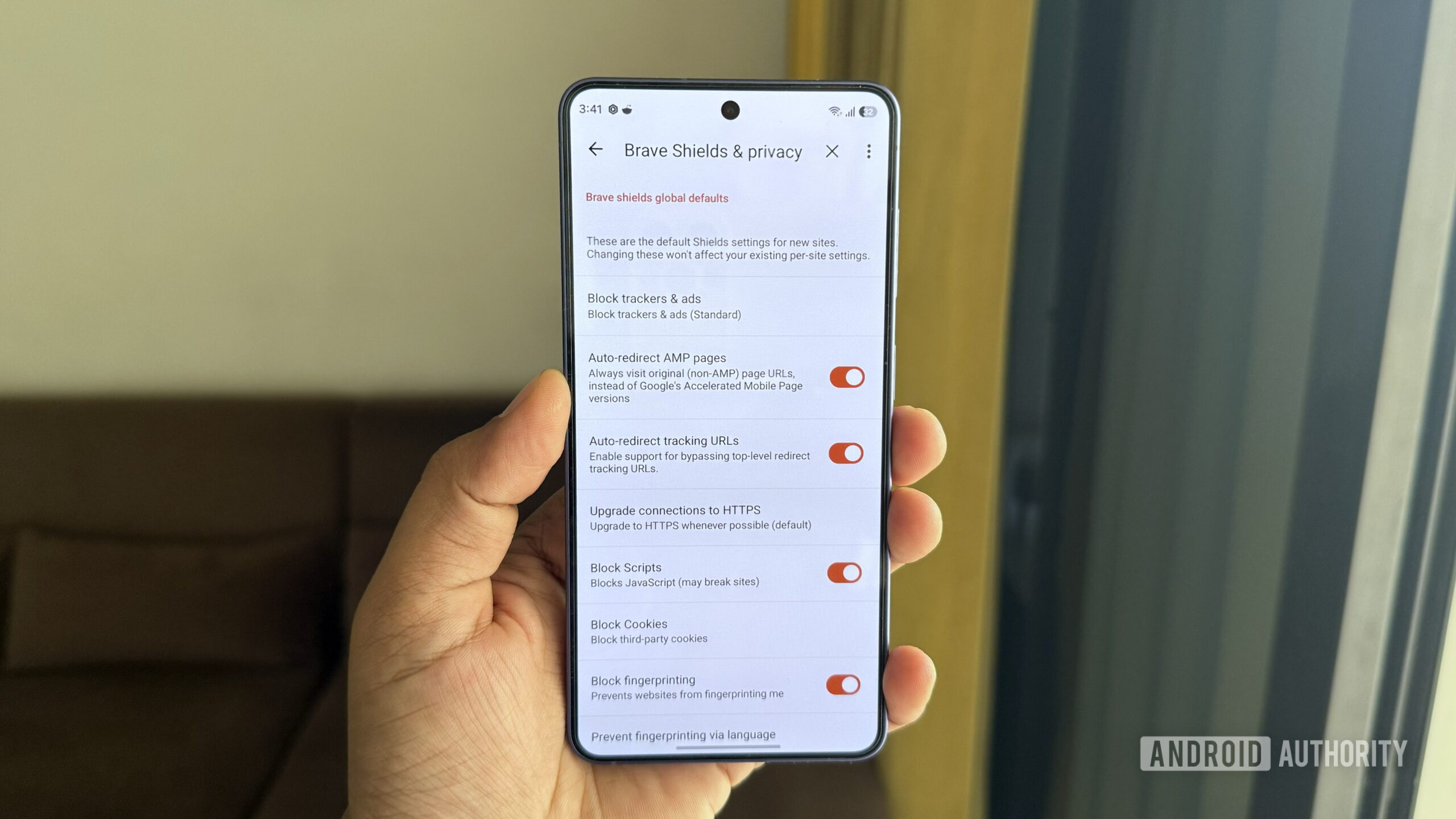
Yes, Vivaldi for Android supports Chrome extensions—a rarity among mobile browsers. You can install ad blockers (like uBlock Origin), password managers, or language tools directly. Combined with its built-in anti-tracking and cookie control, you get robust privacy without extra setup. The browser also includes a native ad blocker that works well for most sites and uses less resources than extensions. For heavy ad blocking, I recommend using both. Overall, Vivaldi gives you the flexibility to tailor your browsing security without sacrificing performance.
How does it sync across devices?
Vivaldi's sync is refreshingly simple. You generate a sync code on one device and enter it on another—no email or password required. The sync covers bookmarks, open tabs, history, notes, passwords, and settings. It's end-to-end encrypted and works across Android, Linux, Mac, and Windows. Unlike Samsung Internet, the desktop app is fully mature and receives updates in lockstep with the mobile version. I've never experienced sync delays or conflicts. This cross-platform reliability was the final reason I switched; I now have a consistent browsing experience everywhere.
Would you recommend it for everyone?
Not necessarily. If you only need a simple, fast browser and don't care about extensions, tab groups, or advanced privacy, Chrome or Samsung Internet might suffice. Vivaldi is best for power users who want control: those who open dozens of tabs daily, use multiple bookmarks, and want to sync everything across devices without compromise. It does have a slightly higher memory usage than Chrome, but on modern phones that's rarely an issue. If you're frustrated by mobile browser limitations, give Vivaldi a try. It might be the underrated solution you've been looking for.